
YenTrip

SIM / eSIM

eSIM Setup Guide for Osaka Visitors

eSIM Setup Guide for Osaka Visitors

eSIM Setup Guide for Osaka Visitors

·

1 min read
SIM and eSIM
Quick answer

An eSIM installs digitally from a QR code sent after purchase, and most Japan travel eSIMs can be set up entirely before departure. Activation typically happens automatically once you land at Kansai Airport, so there is no counter to visit at all.

An eSIM installs digitally from a QR code sent after purchase, and most Japan travel eSIMs can be set up entirely before departure.

Before you fly

Purchase and install the eSIM profile a day or two before departure; most providers recommend not activating the plan itself until you land.

On landing in Osaka

Activation typically happens automatically once your phone connects at Kansai Airport, so there is no counter to visit at all if everything is set up correctly.

Tip: If your eSIM does not connect right away, toggling airplane mode off and on, or manually selecting a network in your phone settings, resolves most issues.

Checking compatibility first
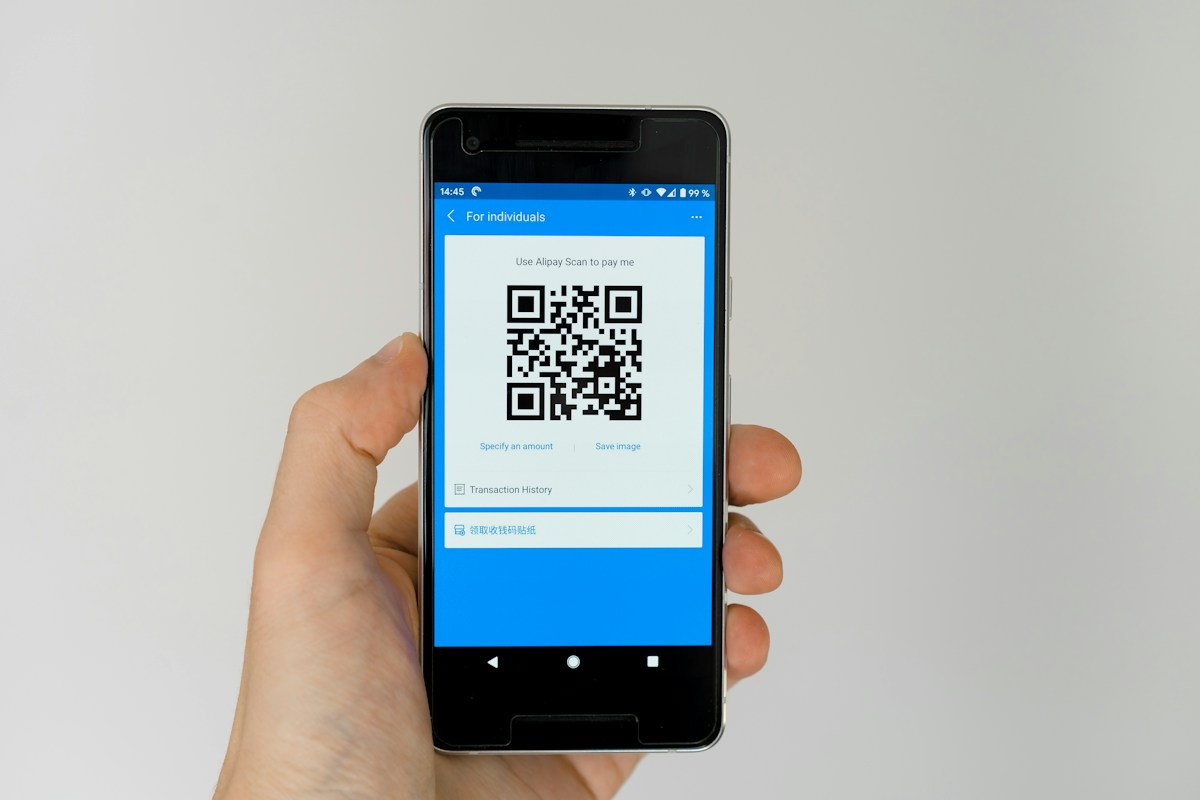
Smartphone displaying a generic QR code

Most phones from the past several years support eSIM, but it is worth checking your specific model before purchasing, since older or budget devices may not.

SAVE ON YOUR EXCHANGE

Get your free exchange coupon

Show this coupon at any SMART EXCHANGE machine for a better rate than the counter, no sign-up required.

Get your coupon

Reviewed by the SMART EXCHANGE editorial team
Rates and information checked against airport signage as of the update date above.

Coupon QR code
SAMPLE
SAVE ON YOUR EXCHANGE

Get your free exchange coupon

Show this coupon at any SMART EXCHANGE machine for a better rate than the counter — no sign-up required.

Get Your Coupon

Related questions

Most phones from the past several years support eSIM, but it is worth checking your specific model before purchasing, since older or budget devices may not.

Installing it a day or two before departure is plenty of time; most providers recommend not activating the plan itself until you land.

Toggling airplane mode off and on, or manually selecting a network in your phone settings, resolves most connection issues after landing.